ESPN Fantasy Football Draft Planner Printables – These ESPN fantasy football printables are independent paper companions for managers who want important league details visible away from a screen. The set includes a settings worksheet, a draft roster, a weekly lineup planner, and a waiver-and-trade tracker. They do not replace ESPN’s live platform; instead, they give you room to record the information and decisions that are easiest to lose between app screens.
Start at the official ESPN Fantasy Football site for live league access, player availability, projections, scores, news, and transactions. allfreeprintable.org/ is not affiliated with, endorsed by, or sponsored by ESPN. ESPN is referenced only to describe the platform workflow these generic worksheets can accompany. The files contain no ESPN logo, interface copy, or proprietary screen reproduction.
Download the ESPN fantasy football companion sheets
1. Copy your real league settings first
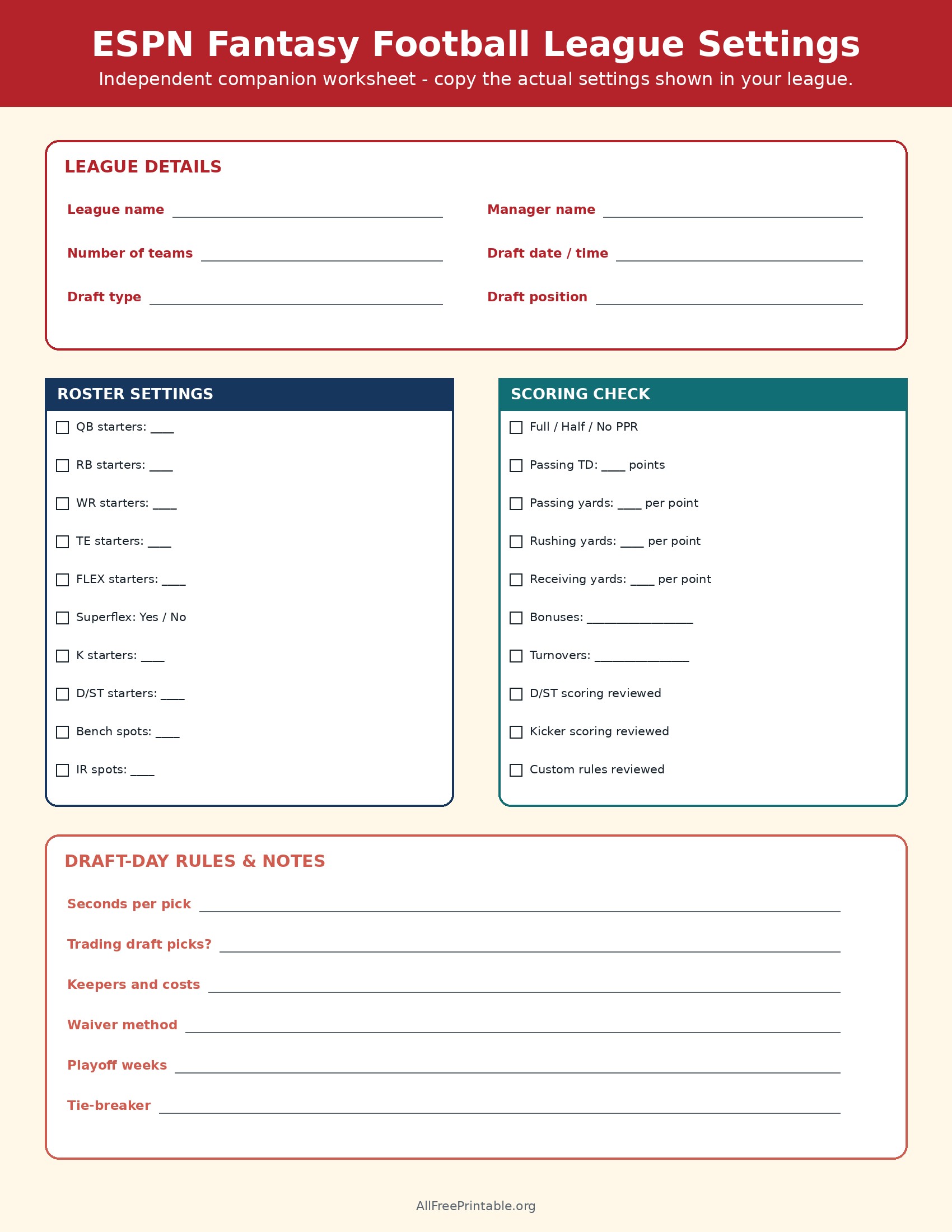
Fantasy advice is only useful after you know the rules. Open your league settings and transfer the number of teams, draft date and type, pick position, starting slots, bench and injured-reserve space, reception scoring, passing touchdown value, yardage rules, bonuses, waiver method, and playoff weeks. If a field does not apply, cross it out. Add custom rules in the notes area.
A common public example may use one QB, two RBs, two WRs, one TE, a flex, a kicker, a defense/special teams unit, and bench spots, but your league can differ. Never assume a default shown in an article matches an existing league. A superflex slot, keeper price, unusual bonus, or limited bench can materially change draft strategy.
2. Prepare the draft roster sheet
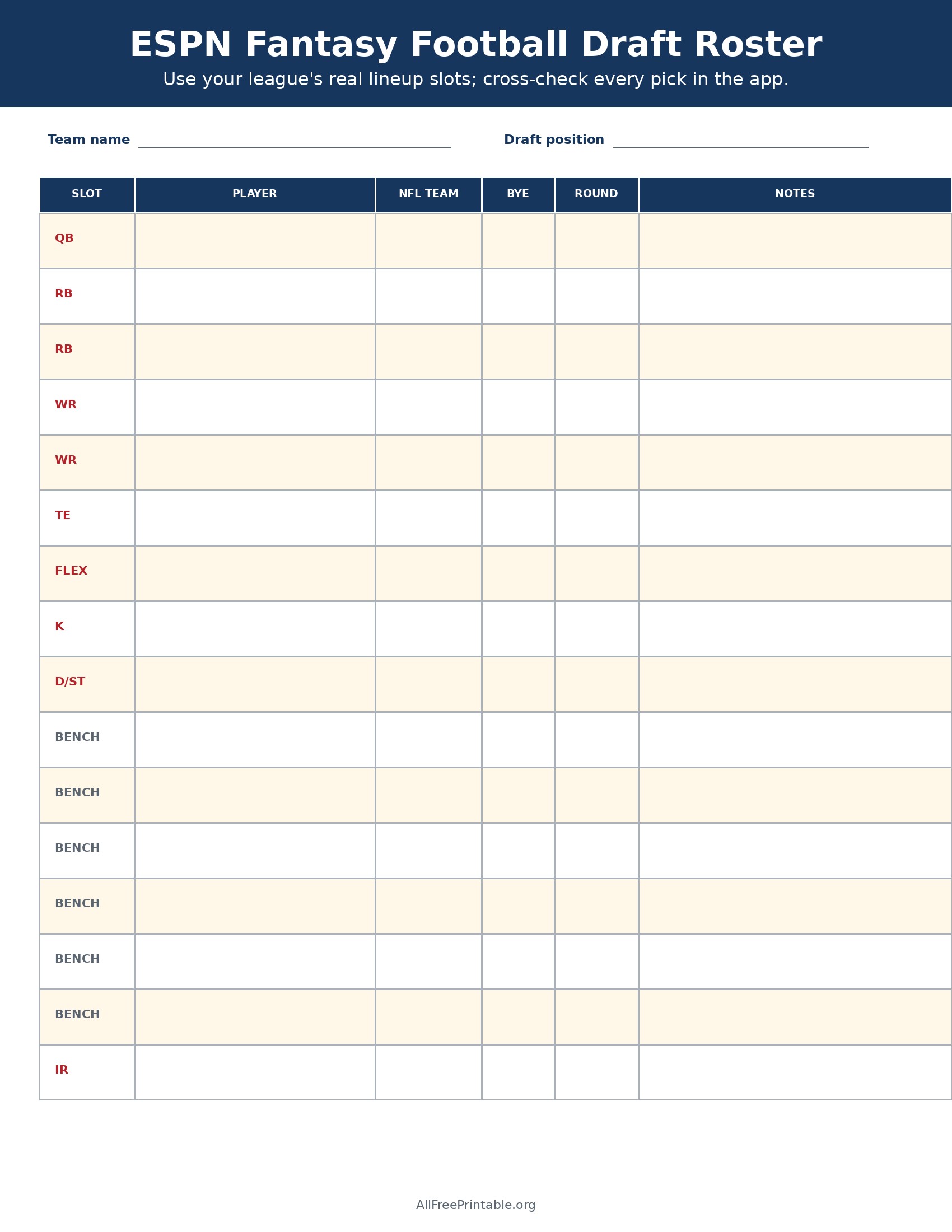
The roster page gives each common lineup slot its own row, followed by bench and injured-reserve space. Write the player, NFL team, bye week, draft round, and any risk note. If your league has different slots, relabel a row before the draft. Use the live draft room as the source of truth for whether a player is available and whether your selection registered.
The paper copy is especially useful for roster construction. You can see at a glance whether you have delayed tight end, accumulated too many players with the same bye, or need late depth at running back or wide receiver. It is a planning aid, not an official record of the league draft.
3. Make weekly lineup decisions deliberately
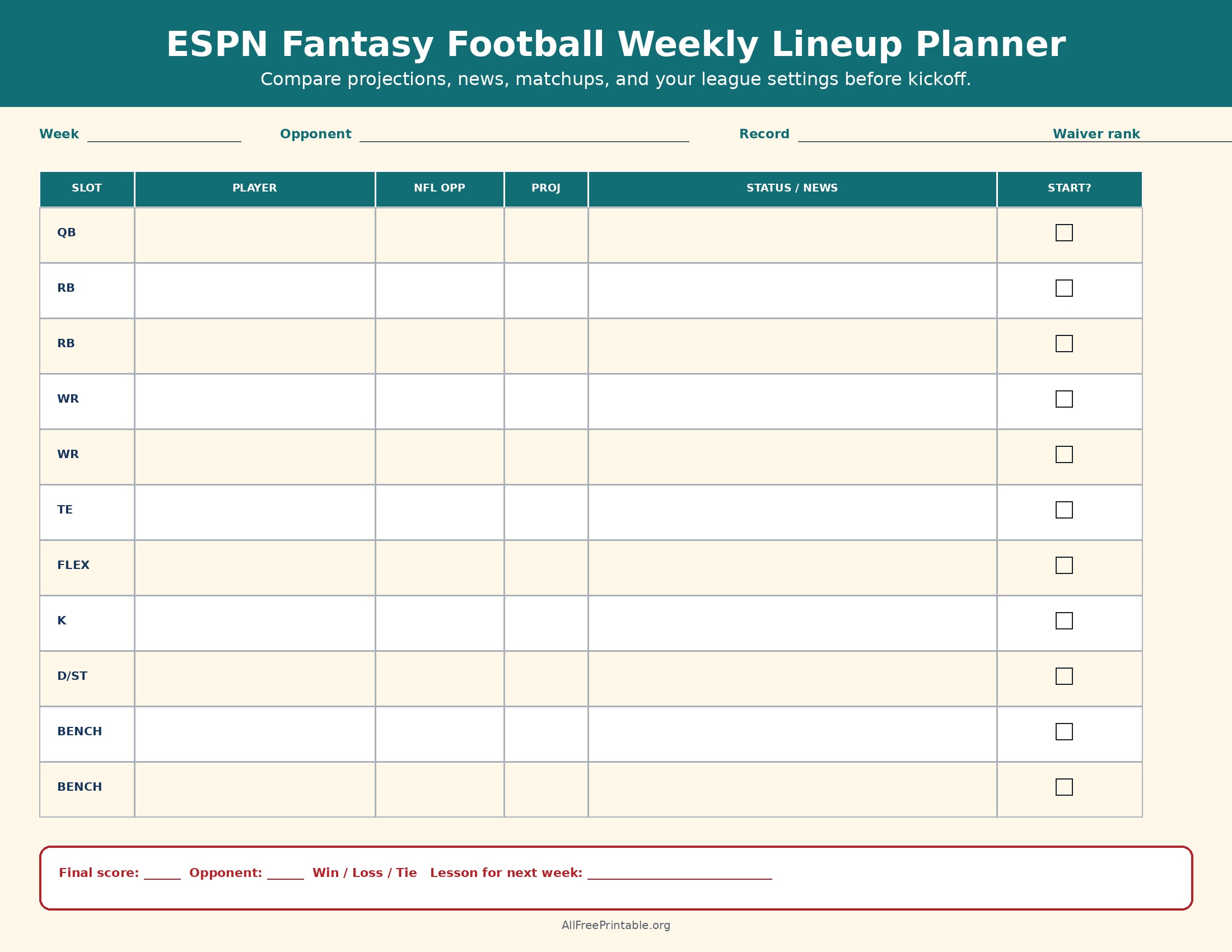
Use the weekly planner to compare each starter’s opponent, projection, current injury or role news, and your final start decision. Projections are estimates, so write the reason for a close decision instead of automatically picking the larger number. Confirm the lineup in ESPN before the relevant player locks, and recheck questionable or doubtful players as game time approaches.
After the matchup, record the score and one lesson for the next week. The lesson might be “monitor Friday practice participation,” “do not ignore an early international kickoff,” or “check weather for the kicking slot.” A short review makes the page useful beyond a single lineup.
4. Track waiver claims and trades
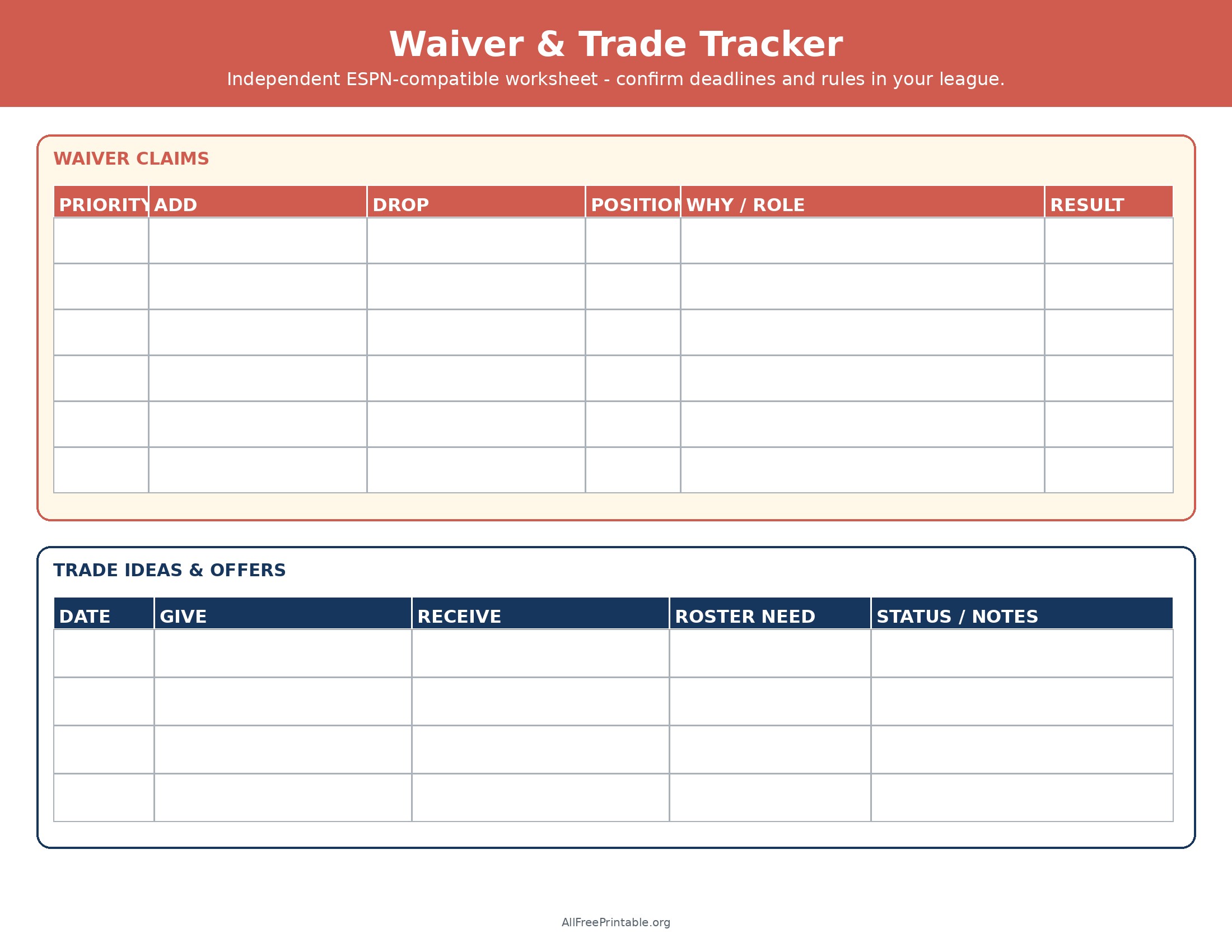
The transaction sheet separates waiver priorities from trade ideas. For every claim, write the player to add, the player to drop, the position, the role-based reason, and the result. Verify your league’s waiver deadline, processing method, budget or priority system, and player eligibility inside ESPN. Do not drop a useful player merely to complete the form.
For trades, record what you would give, what you would receive, the roster need addressed, and the offer status. Evaluate the deal for your specific lineup, depth, schedule, and league rules. A two-for-one trade can create value but may also force you to drop another player; include that hidden roster cost in the notes.
Use live ESPN tools beside the printable
The ESPN’s fantasy football basics guide explains basic drafting, lineups, scoring, and in-season management for newer players. For current rankings and downloadable expert resources, compare the ESPN’s 2026 Cheat Sheet Central. Live platform information should always win over a handwritten note when it comes to roster eligibility, scoring, transaction status, deadlines, or matchup results.
If your main need is a player-ranking page rather than a platform workflow, open the 2026 fantasy football cheat sheet printable PDF. It includes an editorial PPR top 48, position board, and generic 16-round draft tracker.
A simple weekly workflow
- Review injuries, role changes, bye weeks, and players available in your live league.
- List waiver targets and the exact player you would release for each claim.
- After waivers process, update the paper roster and consider trades only if they solve a real need.
- Draft a provisional lineup, then revisit it after practice reports and before each applicable lock time.
- Confirm every final action in ESPN; writing on a printable does not submit a lineup or transaction.
Frequently asked questions
Are these official ESPN printables?
No. They are original, independent worksheets by allfreeprintable.org/ and are neither affiliated with nor endorsed by ESPN.
Will the sheets sync with my league?
No. They are static JPG printables. Copy information manually and complete all official actions on the live platform.
Can I change the roster slots?
Yes. Cross out or relabel rows so the paper sheet matches your league. The live settings remain the authoritative configuration.